For Writers, Authors, and Bloggers Heading to Phoenix, AZ for the Flagship North American WordPress Conference 🚀🧳
Affiliate Disclosure: This Sponsored article contains affiliate links for products and services related to WordCampUS.
msloydwrites may earn a commission at no additional cost to you. We only recommend events and resources we believe provide value.
Your support helps us continue creating free educational resources for writers, bloggers, freelancers, and digital entrepreneurs! 🙏🏽

Click Here to Get WordCamp US 2026 Tickets Now!
What to Bring When You Pack Your Bags for WordCamp 2026 in Phoenix 🌞🧳🛫
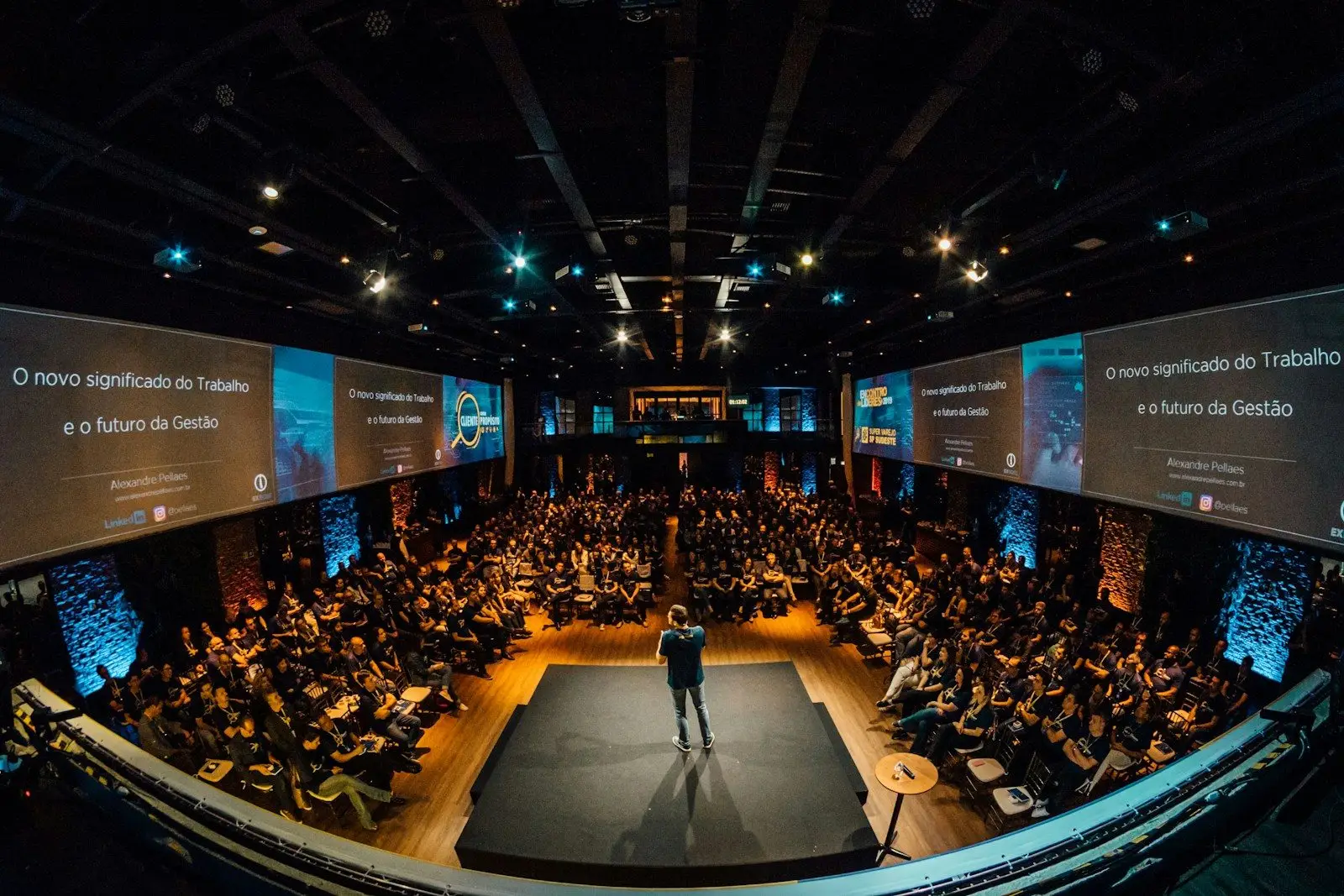
Get the inside scoop on what’s happening for writers, bloggers, and authors at WordCamp 2026, find out where to buy tickets, and get a special discount code for $25 off tickets for WCUS 2026 conference below!
Wordcamp US 2026 is swiftly approaching.
Writers, bloggers, and Digital Entrepreneurs who create with WordPress are heading to Phoenix for their Flagship North American Conference. Below, We provide a few tips on what to pack for this upcoming 4-day event happening August 16-19th.
Here’s a brief overview of what you’ll need.
#1. – Bring Your Laptop and Charger

Take notes during sessions and workshops.
Participate in Contributor Day.
Draft blog posts while ideas are fresh.
Pack your charging cable and power adapter.
#2. – Portable Battery Pack

Keep your phone charged throughout the day.
Avoid searching for wall outlets.
Charge multiple devices if possible.
#3. – Pack Plenty of Business Cards
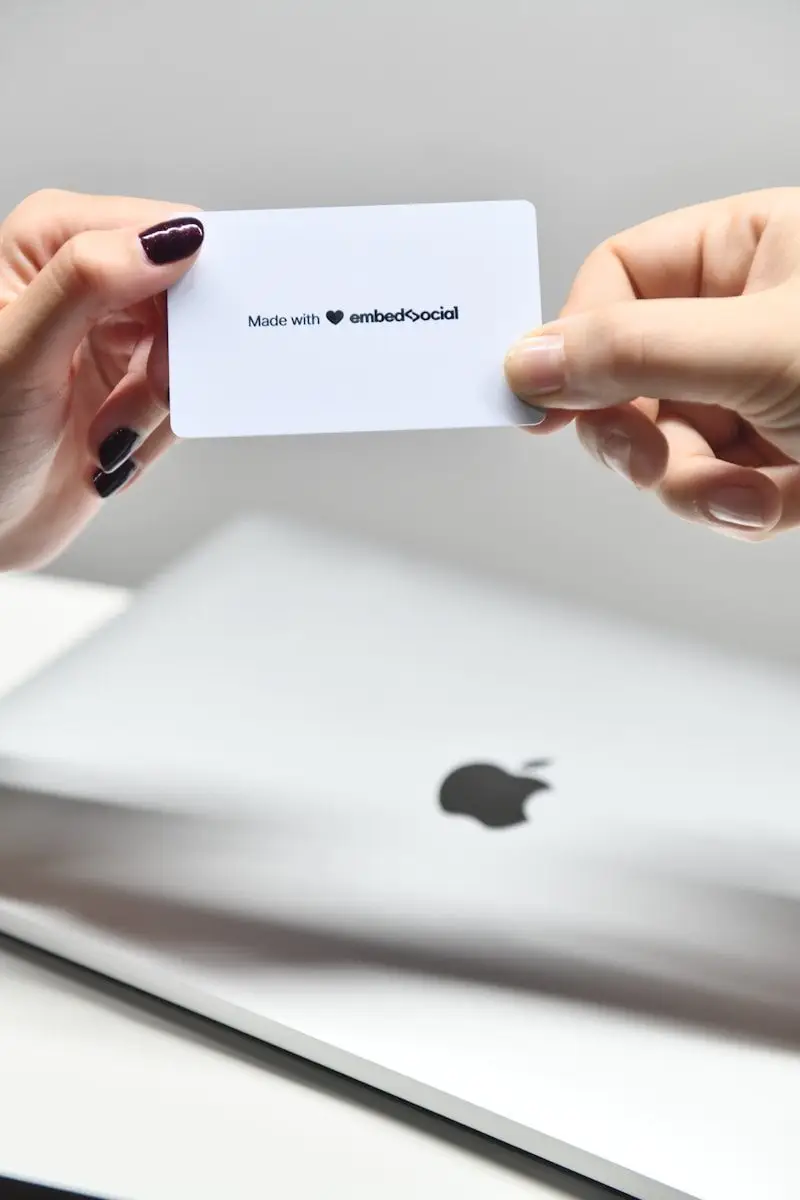
Share your website and portfolio.
Exchange contact information quickly.
Include a QR code linking to your website or LinkedIn profile.
#4. – Carry a Notebook and Pen

Write down ideas during conversations.
Record speaker recommendations.
Jot down plugin names and website resources.
#5. – Wear Comfortable Shoes

Expect lots of walking around the Phoenix Convention Center.
Choose shoes suitable for several full days of standing and networking.
#6. – Bring a Reusable Water Bottle

Stay hydrated in the Arizona heat.
Save money instead of purchasing drinks throughout the day.
Refill whenever possible.
#7. – Portable Wi-Fi Options

Mobile hotspot
Google Fi hotspot
Backup SIM or eSIM
Starlink Mini or Starlink Roan
Tips for maintaining a reliable internet connection while working remotely.
#8. – Camera or Backup Smartphone

Photograph sessions, sponsor booths, and networking events.
Record short videos and interviews.
Capture content for future blog posts and social media
#9. – Social Media Content Checklist

Before the event
Announce you’re attending.
Share your schedule.
During the event
Live-post from sessions.
Tag speakers and sponsors.
Share photos and short videos.
Highlight favorite tips.
After the event
Publish a recap article.
Thank new connections.
Share your biggest takeaways.
Bonus Items Worth Packing for WCUS 2026

- USB-C adapters and charging cables
- Lightweight backpack
- Sunglasses
- Light sweater for air-conditioned session rooms
- Healthy snacks
- Luggage space for sponsor swag and giveaways.
What is WordCamp?

WordCamp is a community-driven conference that is open to beginners and professional creators who develop with WordPress.
This year’s WordPress Conference takes place August 16–19, 2026, at the Phoenix Convention Center in Arizona! 🌞
Click Here to Get Discounted Tickets for WordCamp This Year.
Content writers, publishers, web developers, coders and digital entrepreneurs seeking to invest in their skills, can expand their professional networks, discover innovative new ways to grow your business at WCUS 2026.
Writers can learn how to create faster, rank higher in search results, improve website accessibility, use AI responsibly, and build an online portfolio that attracts higher-paying clients.
Bloggers can discover proven strategies for growing traffic, increasing reader engagement, monetizing their websites, optimizing site performance, and staying current with the latest WordPress features and publishing trends.
Authors can learn how to build an engaging author website, grow an email list, promote new book releases, sell books directly through WordPress, and connect with readers using modern marketing tools.
Freelance Developers can deepen their technical knowledge, explore emerging WordPress technologiesm themes, plugins, APIs, and development tools.
WCUS 2026 attendees have unique in-person networking opportunities to collaborate with other WordPress professionals while learning best practices for building faster, more secure, and scalable websites.
Who WordCamp is For:
Freelance Writers, Bloggers, Copywriters, Content Marketers. Freelance Website Designers, WordPress Developers, SEO Professionals, Small Business Owners, Agencies, Nonprofits, Students
What to Expect at This Year’s National WordPress Event:
The event includes Contributor Day, educational sessions, networking opportunities, and hands-on learning designed for users at every skill level bringing together the people who build, maintain, and grow websites powered by WordPress.
#1. Register: All Participants Must Register for The Conference Using Their Active WordPress Account.
#2. Prepare: Make Arrangments for Transportation or Travel to the Phoenix Convention Center.
#3. Book: Get Discounted Pricing on Selected Hotels, Car and Travel Services for Attending WCUS 2026
#4. Attend: Come Prepared to Meet, Greet, Netowrk and Learn with the WordPress Community in Phoenix!
View Conference Details: Important Dates, Schedules, Hotels, Speaking Opportunites, Sponsorship Opportunities
WordCamp US 2026 Schedule
Sunday August 16, 2026: Contributor Day
Monday August 17, 2026: Main Conference Day
Tuesday August 18, 2026: Main Conference Day
Wednesday August 19, 2026: Main Conference Day
Main Conference Day Topics:
Website Development, Blogging, The Future of WordPress, WordPress for Enterprise, Data Liberation and Open Web
Contributor Day Topics: In-Person Networking with WordPress Contributors, Contributor Questions, Contributor Engagement, View Showcase
This year’s WordCamp tickets are $100.00 for all four days of the conference.
Ticket costs include admission to Contributor Days, Showcase Days, and Main Conference Days from 8/16 – 8/19/26.
Admission pricing includes in-person networking opportunities with key WordPress staff members, developers, novice users and professional users as well as snacks and drinks served periodically throughout the conference.
WordPress Users Must Login or Register with Their WordPress.org Accounts to Purchase Tickets to WCUS 2026.
Users without a WordPress.org Account Will Be Prompted to Create An Account at Purchase.
General Admission Pricing: $100.00 per Ticket
Student Pricing: $25.00 per Ticket
Micro-Sponsor Pricing: $750.00 per Ticket
Details on WCUS 2026 Ticket Pricing, Student Pricing, Cancellation Policy, Refund Policy, Dietary Restrictions
Venue Details: The Phoenix Convention Center

The Phoenix Convention Center, the host venue for WordCamp US 2026, is a modern, centrally located convention complex in downtown Phoenix.
WordCamp US 2026 brings together creators from around the US and around the globe to learn, network, collaborate, and grow.
Address: 100 N 3rd Street, Phoenix, Arizona – 85004
Phone: 602-262-6225
Website
If you haven’t registered yet, read msloydwrites Guide to WordCamp US 2026!

WordCamp US 2026 has announced a second round of speakers. You can expect sessions on block migrations, AI-powered development, multilingual SEO, and agency best practices. The event runs August 16–19 at the Phoenix Convention Center in Phoenix, Arizona.
— WordPress (@WordPress on X) July 16, 2026
How to Get Discounted Tickets for WCUS 2026

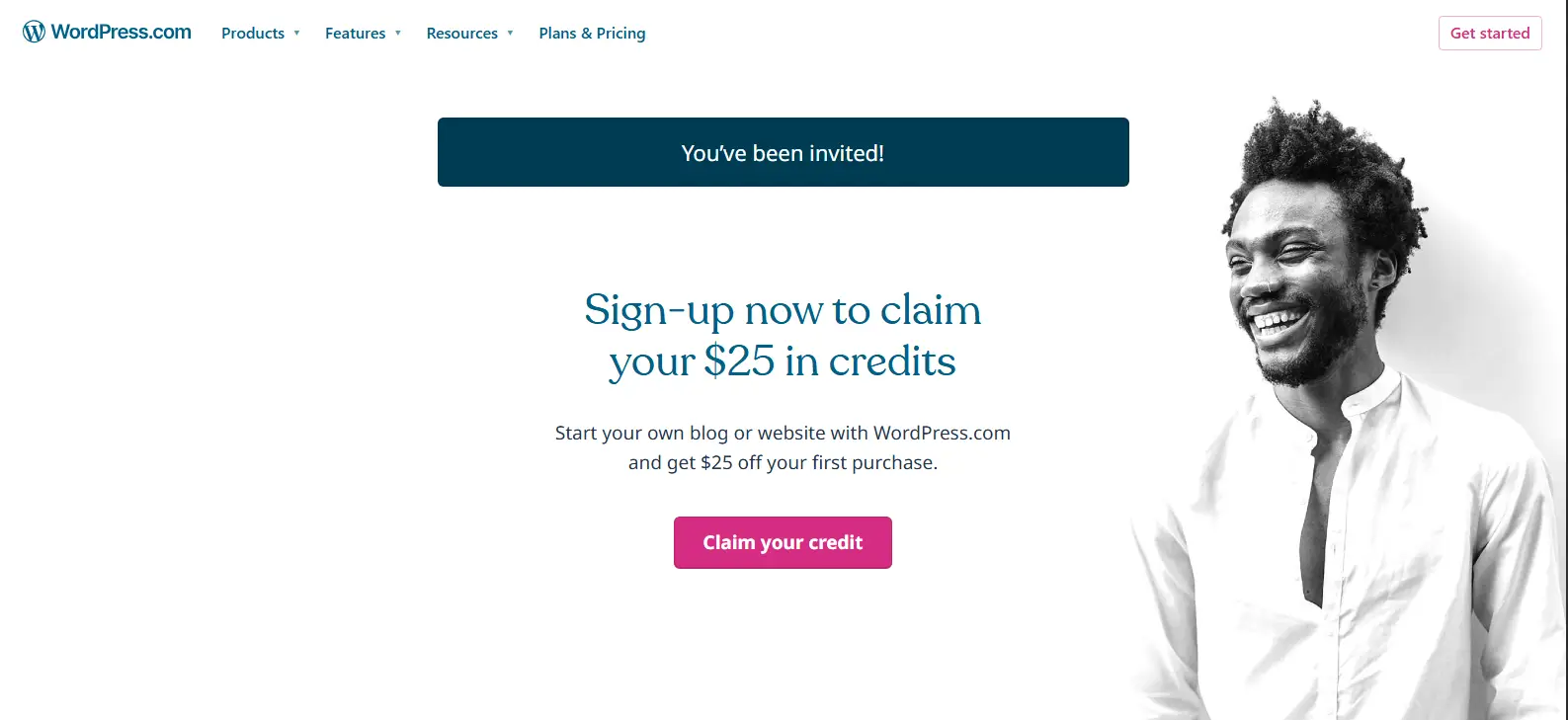
We have an exclusive discount offer from Automattic!
Authors, Writers, Bloggers, Small Business Owners, and Freelance Developers:
Use the special discount code below to get lower pricing on WCUS 2026 tickets. 👇🏽🥰😘
🤑Get $20.00 Off WCUS 2026 Admission with Discount When You Register Online with Code: AF26
Staying current on the latest WordPress-related developments is mandatory for writers who build and host their author websites on WordPress.
Freelance Writing Guides: How to Start a Freelance Writing Business from Scratch in 2026
Click Here to Get WordCamp US 2026 Tickets Now!
Local Activities to Enjoy Outside of The WCUS 2026 Conference in Phoenix

Desert Bontanical Garden
Experience one of Phoenix’s most iconic attractions while exploring thousands of species of desert plants from around the world.
Walking trails wind through beautiful Sonoran Desert landscapes, seasonal art installations, and scenic viewpoints.
It’s an excellent place to recharge, take photographs, or continue conversations with fellow WordPress attendees in a peaceful outdoor setting.
Address: 1201 N. Galvin Parkway, Phoenix, AZ 85008
Phone: (480) 941-1225
Website: https://dbg.org
Heritage & Science Park
Located within walking distance of downtown hotels, Heritage & Science Park combines Phoenix history with interactive exhibits and cultural attractions.
Visitors can explore historic buildings, museums, and public spaces while learning about the city’s evolution from a desert settlement into one of America’s fastest-growing technology and business hubs.
Address: 113 N. 6th Street, Phoenix, AZ 85004
Phone: (602) 258-0048
Website: https://heritagesquarephx.org
Copper Star Coffee
Need a productive workspace outside the convention center?
Copper Star Coffee is a local favorite offering quality coffee, pastries, and comfortable seating.
It’s an excellent place to answer emails, write blog posts, hold informal meetings, or network with fellow creators before or after conference sessions.
Address: 4220 N. 7th Avenue, Phoenix, AZ 85013
Phone: (602) 266-2136
Website: https://www.copperstarcoffee.com
15 Freelance Writing Jobs for Beginners That Can Lead to $50K+ Writing Careers
Hey, You….Don’t Miss Out!!

Click Here to Get Your WordCamp US 2026 Tickets Now!
Important Local Emergency Contacts and Travel Safety Tips for WCUS 2026

WordCamp US 2026 Local Emergency Contacts – Phoenix, Arizona and Surrounding Areas
We are providing this complimentary guide to help WordCamp US 2026 attendees stay safer while attending their upcoming conference.
The information provided in this guide is accurate and verifiable as of the date of posting.
However, we recommend that you do your own research to verify the following contact addresses, phone numbers, and local resources below before traveling to the area.
Save emergency numbers in your phone before arriving.
Stay hydrated—Phoenix temperatures can be very high, especially during the day.
Wear sunscreen, sunglasses, and a hat if you’ll be outdoors.
Keep your conference badge and valuables secure.
Use well-lit streets when walking at night and travel with other attendees whenever possible.
Charge your phone before leaving your hotel each morning and carry a portable battery pack.
Share your hotel and travel itinerary with a trusted family member or friend.
Follow instructions from WordCamp staff and Phoenix Convention Center security during any emergency or evacuation.
Phoenix Police, Emergency, Fire, and Ambulance: Call 911
Phoenix Police Department Headquarters
620 W. Washington Street
Non-Emergency: (602) 262-6151
Phoenix Area Hospitals
Banner – University Medical Center Phoenix
1111 E. McDowell Road, Phoenix, AZ 85006
Phone: (602) 839-2000
Level I Trauma Center and 24-hour Emergency Department
St. Joseph’s Hospital & Medical Center
350 W. Thomas Road, Phoenix, AZ 85013
Phone: (602) 406-3000
Full-service emergency care located a short drive from the Phoenix Convention Center.
Additional Travel Safety Tips for WordCamp Attendees
- Carry your health insurance card and a photo ID.
- Keep a list of allergies, medications, and emergency contacts in your wallet or smartphone.
- Refill your reusable water bottle throughout the day to help prevent dehydration.
- If you become separated from your group, arrange a designated meeting location outside the convention center.
A little preparation can make WordCamp US 2026 more productive and enjoyable!
WordCamp US 2026 Tickets: Pricing, Registration – Click to Buy Your Tickets Online

This Year’s WordCamp Sponsers Include Top Names
Bluehost, Jetpack, Woo, Elementor, Pressable, Salesforce, WordPress.com
GET TICKETS
Author Bio

Michelle S. Loyd – Freelance Writer. Content Strategist is the founder of msloydwrites.
With years of professional writing experience, she shares practical resourcesmsloydwrites helps writers, bloggers, freelancers strengthen their online presence and increase their writing income with confidence.
Follow @msloydwrites to learn how to build a more profitable online businesses through content strategy, WordPress, AI, SEO, and digital marketing!
For Writers, Bloggers, Freelancers, and Digital Entrepreneurs, Using the Right Technology Matters 💥💥💥
Staying productive means having reliable tools that help you write, communicate, market your services, and manage your business from virtually anywhere.
At msloydwrites, we’ve built our freelance writing business around technology that supports every stage of the content creation process—from publishing articles and attracting clients to collaborating with businesses and growing our brand.
Our Freelance Writing Tech Stack
1. WordPress.com — The Foundation of Our Business
WordPress.com is the platform that powers msloydwrites. We use it for website development, managed hosting, content management (CMS), blogging, search engine optimization (SEO), portfolio management, client acquisition, networking, and brand management.
Every article we publish, resource we create, and service we offer begins on WordPress.com. Its integrated tools make it easy to publish professional content, organize our website, improve search visibility, connect with readers, and establish credibility with prospective clients.
Whether you’re building your first freelance writing website or growing an established online business, WordPress.com provides everything you need to create a professional online presence without worrying about server maintenance or complex technical setup.
Learn more about WordPress.com and start building your writing business today.
2. Google Workspace — Our Writing Productivity Hub
Google Workspace brings together essential productivity tools including Gmail, Google Docs, Google Drive, Google Sheets, Google Meet, and Google Calendar in one integrated platform.
We use Google Workspace every day to write articles, collaborate with clients, securely store files, organize editorial calendars, manage business email, schedule meetings, track projects, and synchronize our work across multiple devices.
Combined with WordPress.com, Google Workspace creates a streamlined workflow for researching, writing, editing, publishing, and managing client projects from virtually anywhere.
Try Google Workspace Free For 30-Days Using Our Special Discount Link!
3. Google Fi — Reliable Connectivity for Publishing Wherever We Work
Google Fi Wireless provides dependable nationwide wireless service with flexible plans designed for people who work from anywhere.
Reliable mobile service allows freelance writers, bloggers, and digital entrepreneurs to communicate with clients, attend video meetings, upload content, publish blog posts, respond to time-sensitive emails, and stay productive whether working from home, a coffee shop, or while traveling.
- Learn more about Google Fi plans.
- Eligible new customers can try Google Fi free for 7 days.
- Use the msloydwrites Google Fi referral code WCPHWJ to receive $60 off your eligible purchase.
4. Google Pixel — Our Mobile Writing Office
Google Pixel phones help keep writing projects, client communications, research, and content organized throughout the day.
We rely on our Pixel devices to draft blog posts, review documents, conduct research, capture original photos, respond to client emails, manage deadlines, create social media content, and monitor our WordPress.com website while working on the go.
If you’re considering a new phone, use the msloydwrites referral code at checkout through the Google Store to receive an eligible discount.

Leave a Reply
You must be logged in to post a comment.